Last updated: 1 August 2026
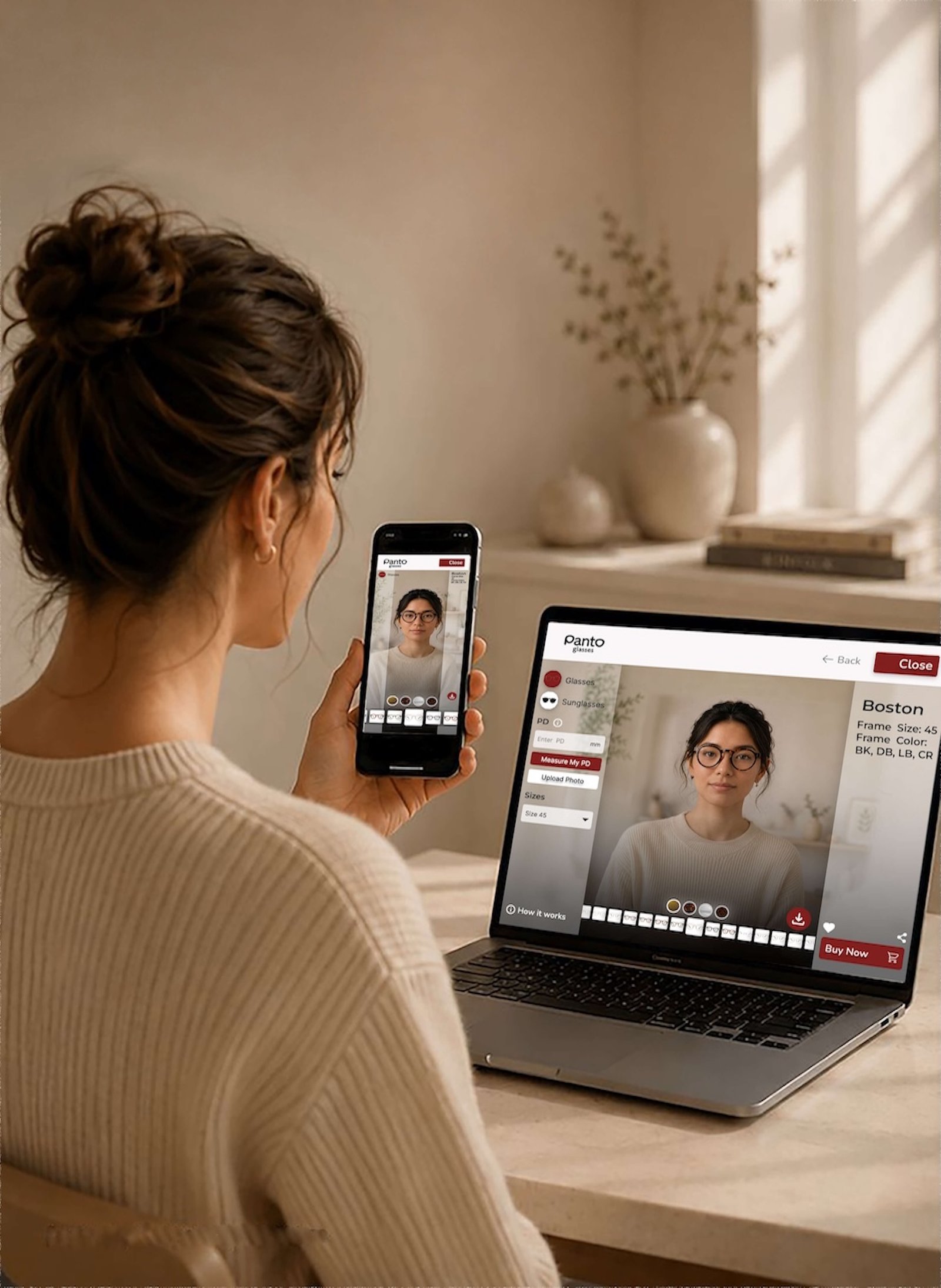
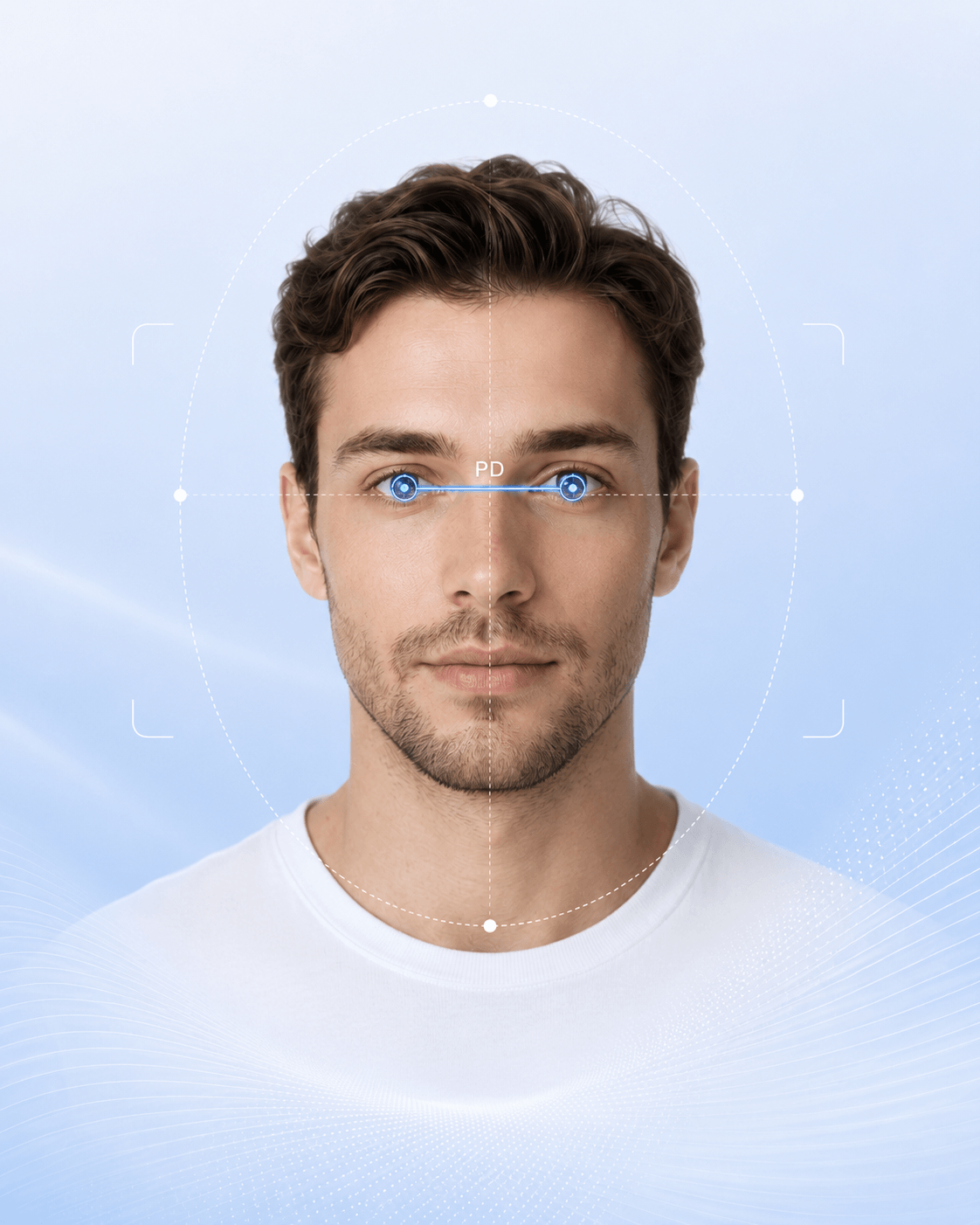
The PantoGlasses PD Measurement Tool uses your camera to calculate your pupillary distance (PD). PantoGlasses AS is responsible for the tool.
Camera and data use
When you select Allow Camera, the tool temporarily processes your live camera view and reference points around your eyes and face. This information is used only to guide your position, locate your pupils and calculate your PD.
The tool does not use facial recognition or try to identify you.
No recording or storage
PantoGlasses and SeeNor Opto Solutions do not:
- Take or save photographs
- Record or store videos
- Save facial reference points or PD results
- Use camera information for advertising, profiling or AI training
Camera processing stops when you close the tool, leave the page or remove camera permission.
Your PD result
Your PD result is displayed on your screen but is not saved by the tool. If you enter your PD when placing an order, it will be handled as order information under the general PantoGlasses Privacy Policy.
Your choice
Using the camera is optional. You may decline camera access and use our manual PD measurement method instead. You can remove camera permission at any time through your browser or device settings.
Children
A parent or legal guardian should supervise the tool and allow camera access when measuring a child's PD.
Contact us
For privacy questions, contact panto@pantoglasses.com.
You may also contact the Norwegian Data Protection Authority, Datatilsynet, if you have concerns about your privacy rights.