
— PANTO VIRTUAL TRY-ON
See your Panto in live 3D
Try PantoGlasses from home with our advanced augmented-reality tool. Compare frames, sizes and colors while the selected glasses follow you face naturally.
- No registration
- No app download
3D OPTICAL TECHNOLOGY
Powered by SeeNor Opti Lab
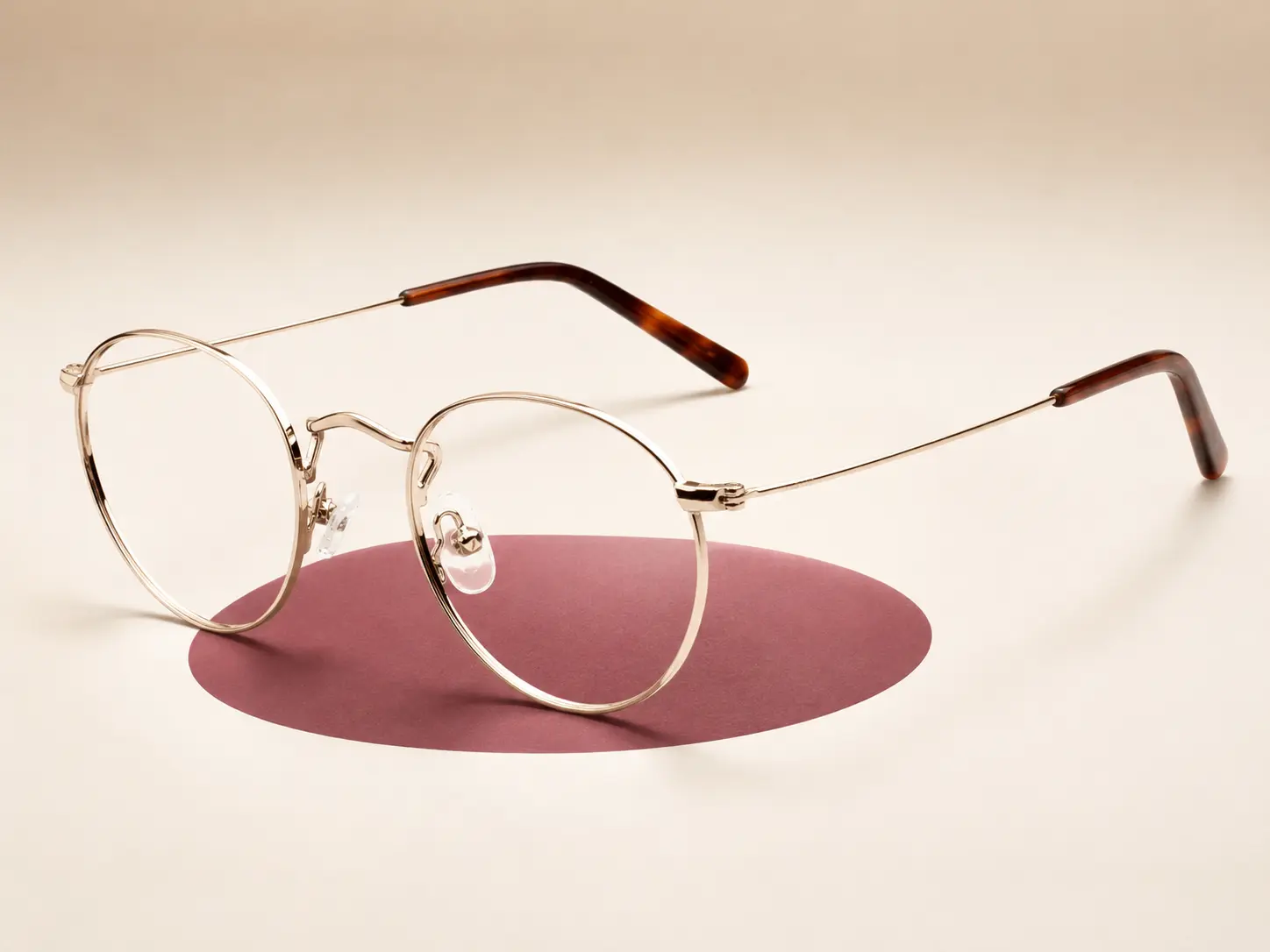
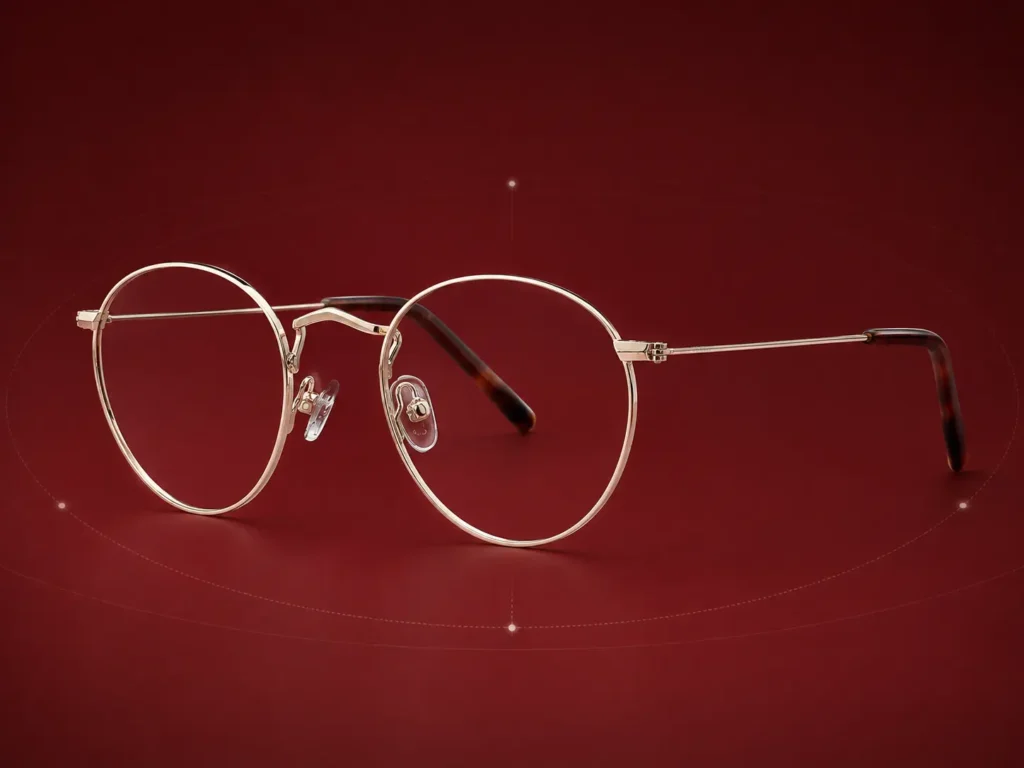
A clearer way to explore PantoGlasses online
PantoVTO uses real-time face and eye tracking to position a selected 3D frame in relation to your eyes, nose and facial proportions. As you move, the frame moves with you — helping you view the design from more than one angle.
Use your live camera or upload a photo, then switch between Panto models, sizes and colors without changing glasses physically.
Virtual Try-On helps you compare your options with confidence. Physical comfort and final fit may still vary from person to person.
Designed to make choosing frames easier
More than a flat image: PantoVTO gives you an interactive preview of frame’s character, scale and position on your face.
Live 3D augmented reality
See the selected digital frame directly on your face through your device’s camera.
Natural movement
Turn your head and view the frame from different angles as it follows your movements.
Compare your options
Switch between Panto models, sizes and colours to discover which combination you prefer.
More accurate scale
Measure or enter your PD to improve the frame-size preview shown on your face.
How Panto Virtual Try-On works.
There is nothing to install and no account is needed.
01
Choose a Panto frame
Select a model and explore the available size and colour options.
02
Open your camera
Allow camera access for live 3D, or upload a suitable front-facing photo.
03
Move, compare and choose
View the frame on your face, change your selection and save your preferred style.

Measure your PD for a more accurate preview.
Pupillary Distance (PD) helps PantoVTO scale the selected frame in relation to your face. This makes the on-screen size preview more useful when comparing frame options.
Important: PantoVTO initially uses an average PD of 63 mm. Select Measure PD and follow the on-screen instructions for a more accurate frame-size preview.

Your live camera feed is not recorded or stored.
Camera access is used only to provide the Virtual Try-On experience. The feed is processed temporarily and in real time so the selected 3D frame can follow your face.
- No video recording
- No registration required
- No camera-feed storage
- Access only after your permission
Experience PantoGlasses in live 3D.
Choose a frame, open PantoVTO and see the distinctive Panto shape on your face.
